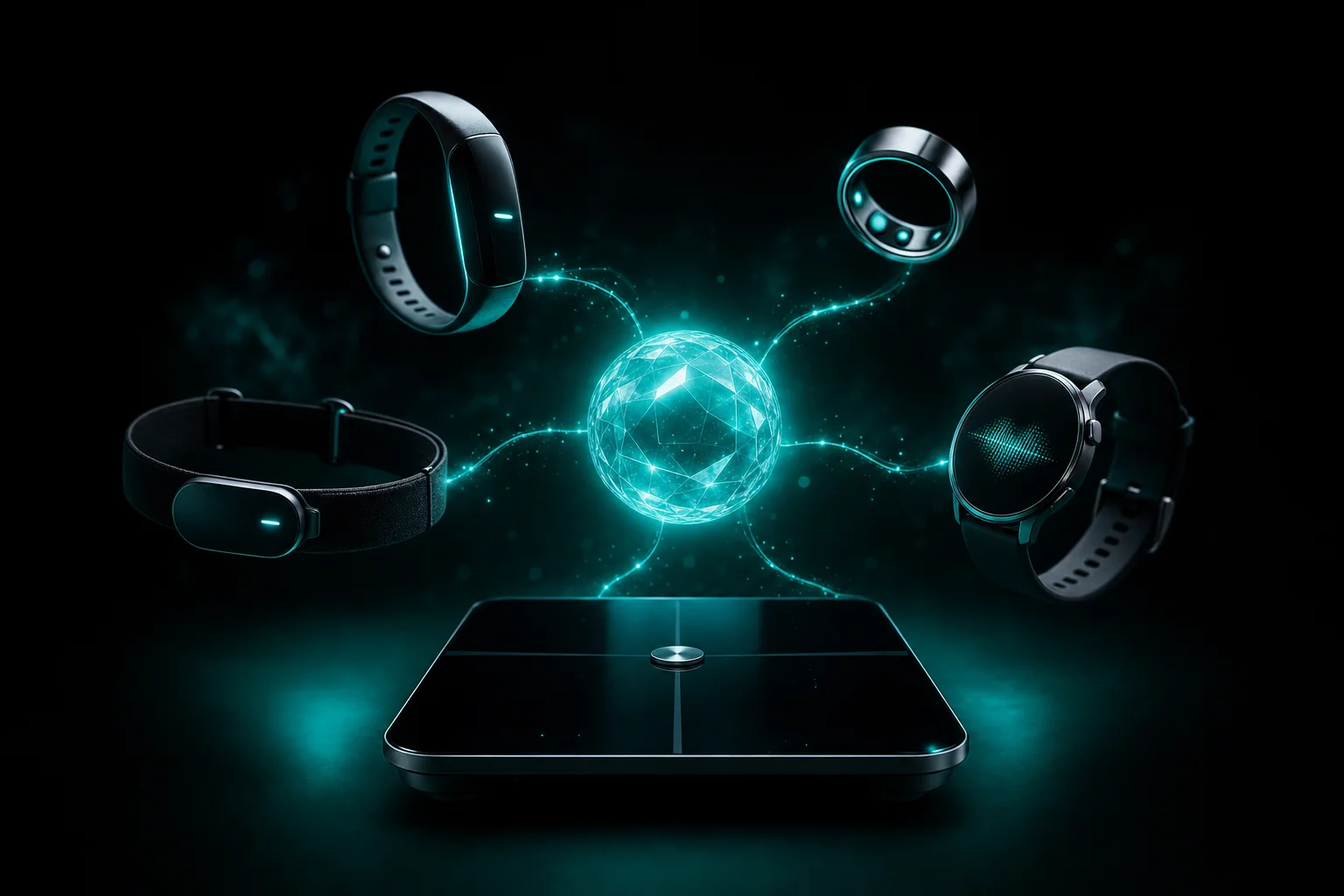
What is Delx Wellness?
Delx Wellness is an open-source, local-first MCP connector library and optional hosted beta. It gives AI agents structured, user-authorized context from wearables, health platforms, exports and nutrition tools.
Start with food, hydration and body context, then open one clear note for today. Local connectors already work; hosted wearable signals are live via OAuth for configured providers. No agent setup required; real provider connections stay optional.
Direct answers
The short version for people and agents deciding whether this is the right wellness data path.
Delx Wellness is an open-source, local-first MCP connector library and optional hosted beta. It gives AI agents structured, user-authorized context from wearables, health platforms, exports and nutrition tools.
Each open-source connector runs on the user's machine. Provider tokens stay in a local file with restrictive permissions and are never passed into the model context. The hosted beta is a separate opt-in path for remote MCP and persistence.
Any MCP-compatible client can use the connectors, including Claude Desktop, Cursor, ChatGPT Desktop, Hermes, OpenClaw and custom agents. Each connector exposes its setup, status and privacy contract for the calling agent.
Choose the outcome first: browse one connector, start with nutrition, use a local Hermes or OpenClaw profile, or read the hosted cloud setup. Every path links to the exact next step instead of requiring the whole catalog.
Delx Wellness has open-source connectors, local profile packs and a hosted beta. Choose the job first, then run the exact setup path that matches it.
Best when you want remote MCP, persistent Nourish data, setup help and an API key flow for hosted agents.
# Hosted Streamable HTTP POST endpoint for beta users
https://api.delx.ai/wellness-hub/mcp

# Account page for access, billing interest and MCP keys
https://nourish.delx.ai/billing
Works in any MCP client
Real-world context
This isn't another dashboard. It turns the signals from your wearables into the context an agent needs to help you train, recover and plan your day.
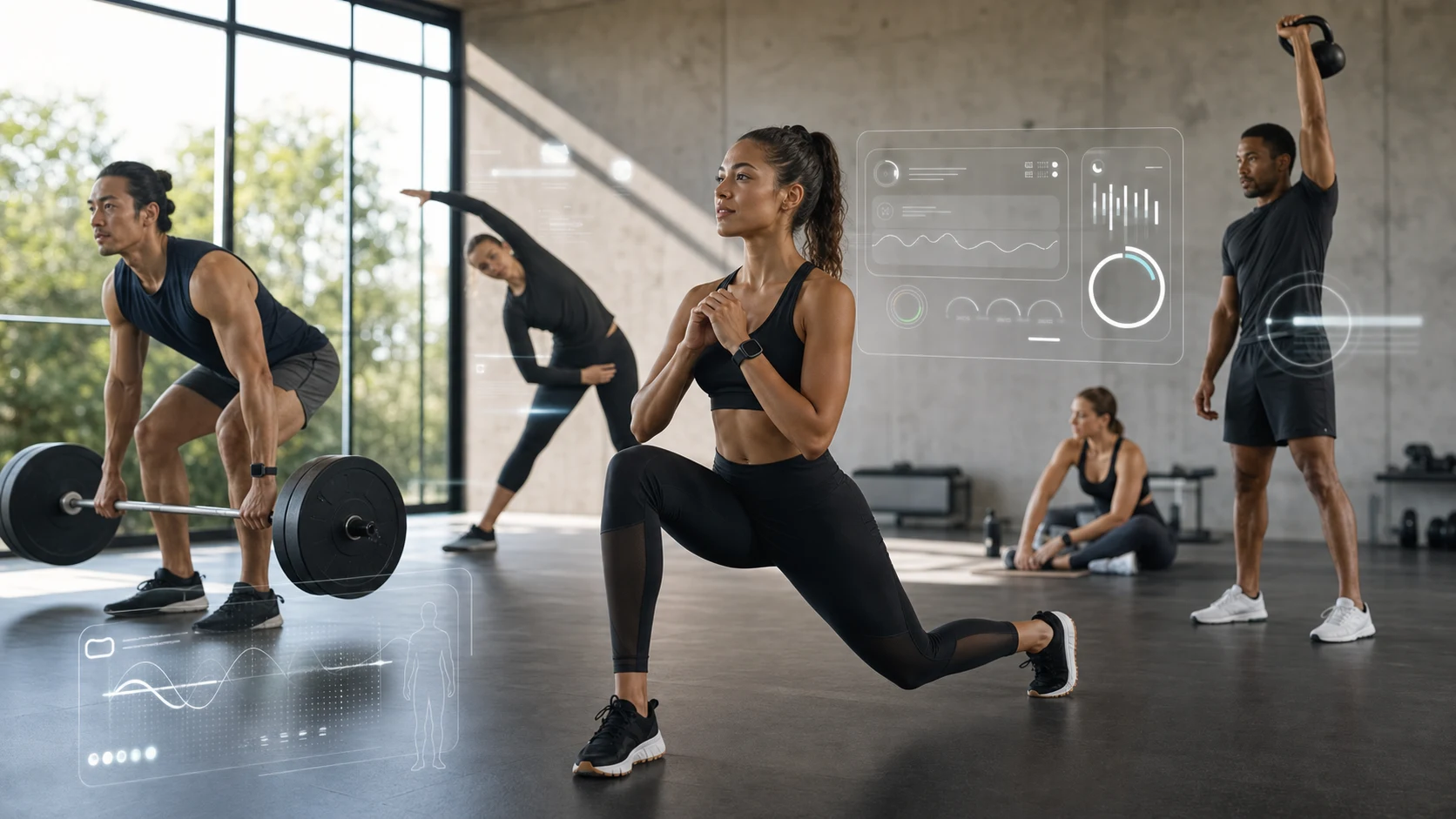
Recovery, HRV and training load become context before the workout starts.
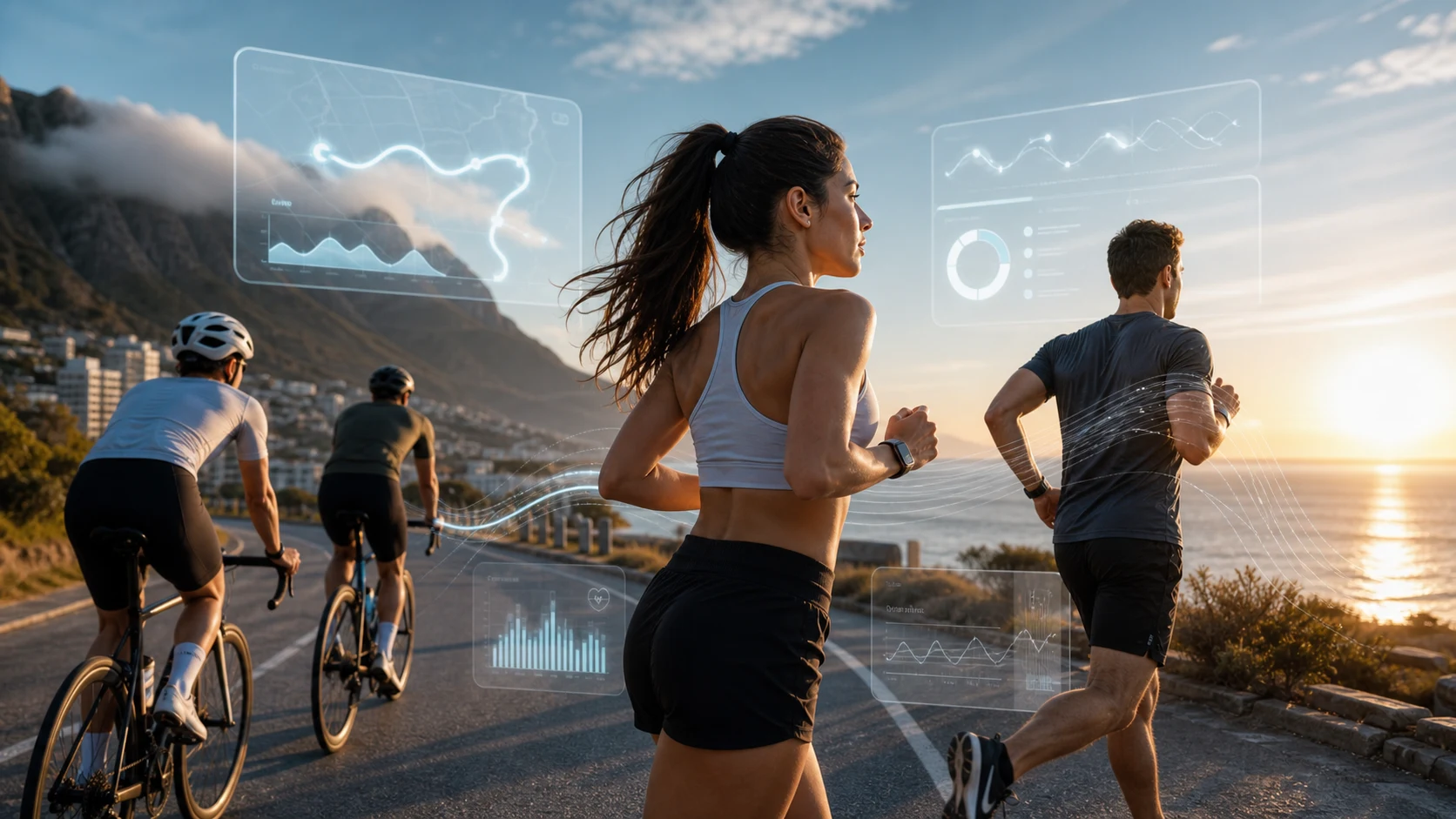
Runs, rides and routes stay provider-tagged for cleaner agent reasoning.
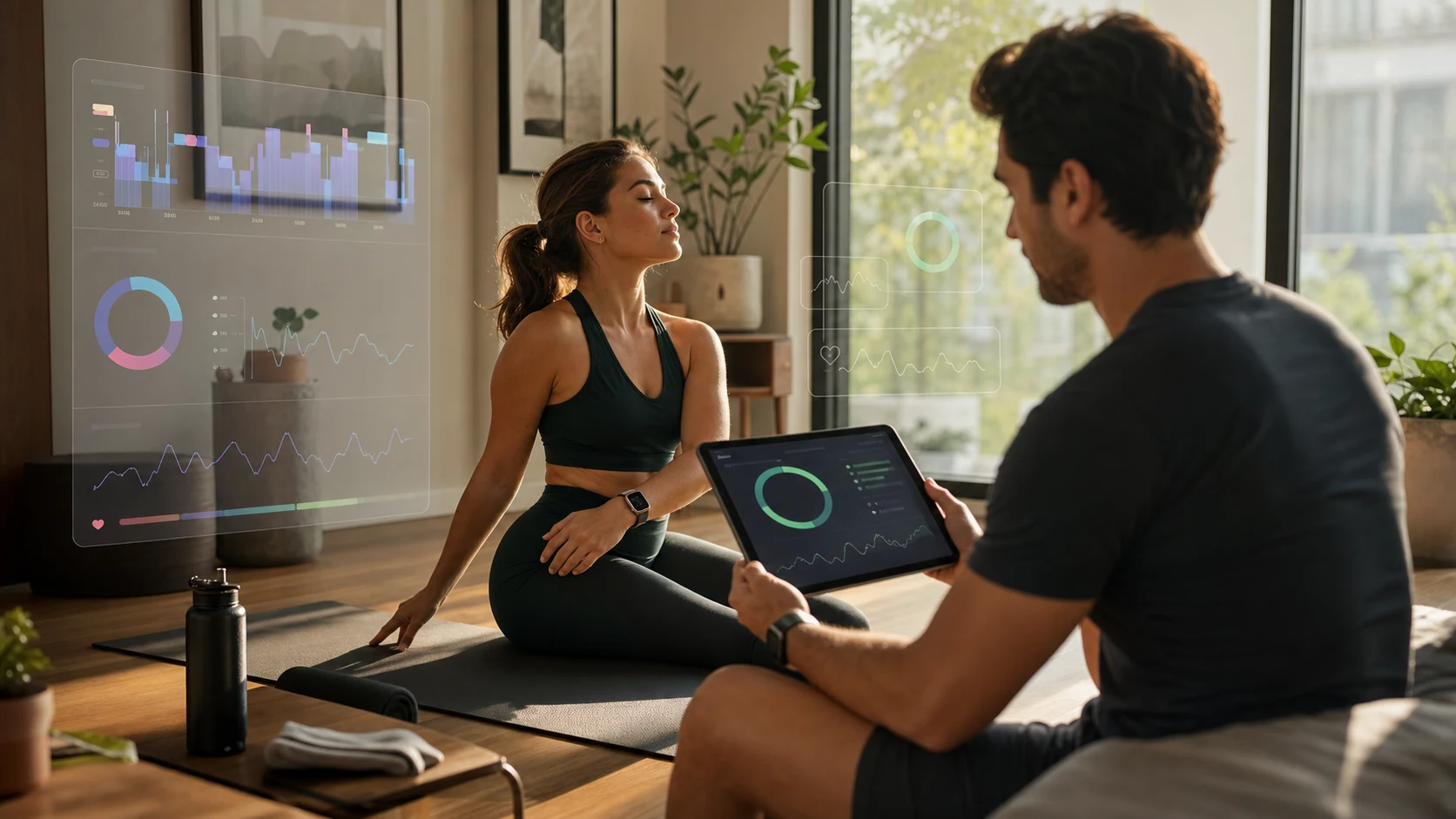
Your assistant can connect today's plan with yesterday's recovery.
Nutrition layer
Wearables explain readiness and recovery. Nourish adds calories, macros, hydration and goals as local agent context. It runs as its own MCP server, sitting beside the wearable connectors so your agent can reason across both.
USDA-first search, Open Food Facts barcode lookup and local barcode image decoding for packaged items.
Preview text or photo-assisted meal estimates before writes, preserving confidence and provenance.
Local intake, hydration, goals, daily summaries, weekly summaries and CSV export.
npx -y wellness-nourish doctor
npx -y wellness-nourish log --preview "2 eggs and banana"
npx -y wellness-nourish today --format markdown
Agent surface
Barcode-aware packaged food lookup from digits or images.
Photo meal previews require confirmation before logging.
JSONL and CSV export stay local.
Hydration and goals complete the day view.
How it works
Each connector is a standalone npm package — local-first by design, read-only by default, privacy modes built in.
One npx command per connector. No global install, no Docker, no servers to babysit.
Browser-based OAuth or a local helper. Tokens land in ~/.<provider>-mcp/ with chmod 600.
Paste the snippet into Claude Desktop or Cursor. Or skip the wiring with one command for Hermes or OpenClaw.
Connectors
14 wearable and health connectors — each installable on its own, read-only by default, and tagged agent_ready. Nourish sits beside them as the nutrition layer.

WHOOP MCP server for recovery score, HRV, sleep stages and day strain.
Oura MCP server for readiness, sleep, HRV, activity and SpO2.
Body Battery, training readiness, sleep, HRV and stress.
Strava MCP server for runs, rides, swims, segments and activity streams.
Fitbit MCP server for activity, sleep stages, intraday heart and HRV data.
Google Health API v4 beta connector for Fitbit, Pixel Watch and unified health data.

Withings MCP server for smart-scale composition, sleep stages and heart records.
Reads your local Apple Health export with no live HealthKit dependency.
Samsung Health MCP server for local CSV/ZIP exports from Galaxy Watch and Android.

Nightly Recharge, training load, PPI/HRV and continuous samples.
Eight Sleep MCP server for nightly scores, temperature schedules, alarms and base state.
Private exercise catalog bridge for agent-built workouts.
Local-first air-quality MCP — AirGradient open API, AirThings/PurpleAir/IQAir/Awair scaffolded.
Stateless menstrual cycle coach — orchestrates phase-aware nutrition, training, and hydration.
The Levels-killer pattern as a free local-first MCP — Dexcom + meal-glucose correlation.
Quick start
Pick your MCP client, paste the snippet, then run setup for the connectors you actually use. You'll be live in about a minute.
# Recommended for Hermes — installs the wellness profile,
# all 10 wearable/API/export connectors, Nourish, skills and onboarding.
npx -y delx-wellness-hermes setup
hermes -p delx-wellness

# Verify (no model required)
npx -y delx-wellness-hermes doctor --profile delx-wellness --run-hermes
Live demo
Pick a scenario and watch your AI call MCP tools, read provider data, and answer with the full picture. Mock data — same shape your agent gets in production.
Tired of wiring each connector by hand? Run one npx command and Hermes becomes a recovery-aware wellness agent — onboarding, skills, all ten wearable/API/export connectors and Nourish, preset and ready for daily use through Telegram or terminal.
npx -y delx-wellness-hermes setup
hermes -p delx-wellnessCreates the delx-wellness Hermes profile, installs SOUL.md, ONBOARDING.md and AGENTS.md, plus skills and MCP presets.
Onboarding asks injuries, training schedule and conservative rules so the agent never recommends max effort blindly.
MCP readiness vs chat readiness, separate. Setup failures become obvious instead of mysterious.
Same wellness stack, but using OpenClaw's own profile isolation, workspace, skills and MCP config schema. No generic paste-and-pray manual JSON glue.
npx -y delx-wellness-openclaw setup
openclaw --profile delx-wellness agent --local --message "Open Delx Wellness onboarding"Writes the real openclaw.json shape: mcp.servers, skills.load.extraDirs and a dedicated workspace.
Starts with openclaw --profile delx-wellness agent --local, with onboarding already in the workspace.
OAuth credentials and health exports stay inside each connector's local setup path.
Privacy & security
Health data is sensitive. The open-source connectors keep tokens on your machine. The hosted beta is a separate opt-in account with export/delete controls and live OAuth for configured wearables — agents receive MCP responses, never provider secrets.
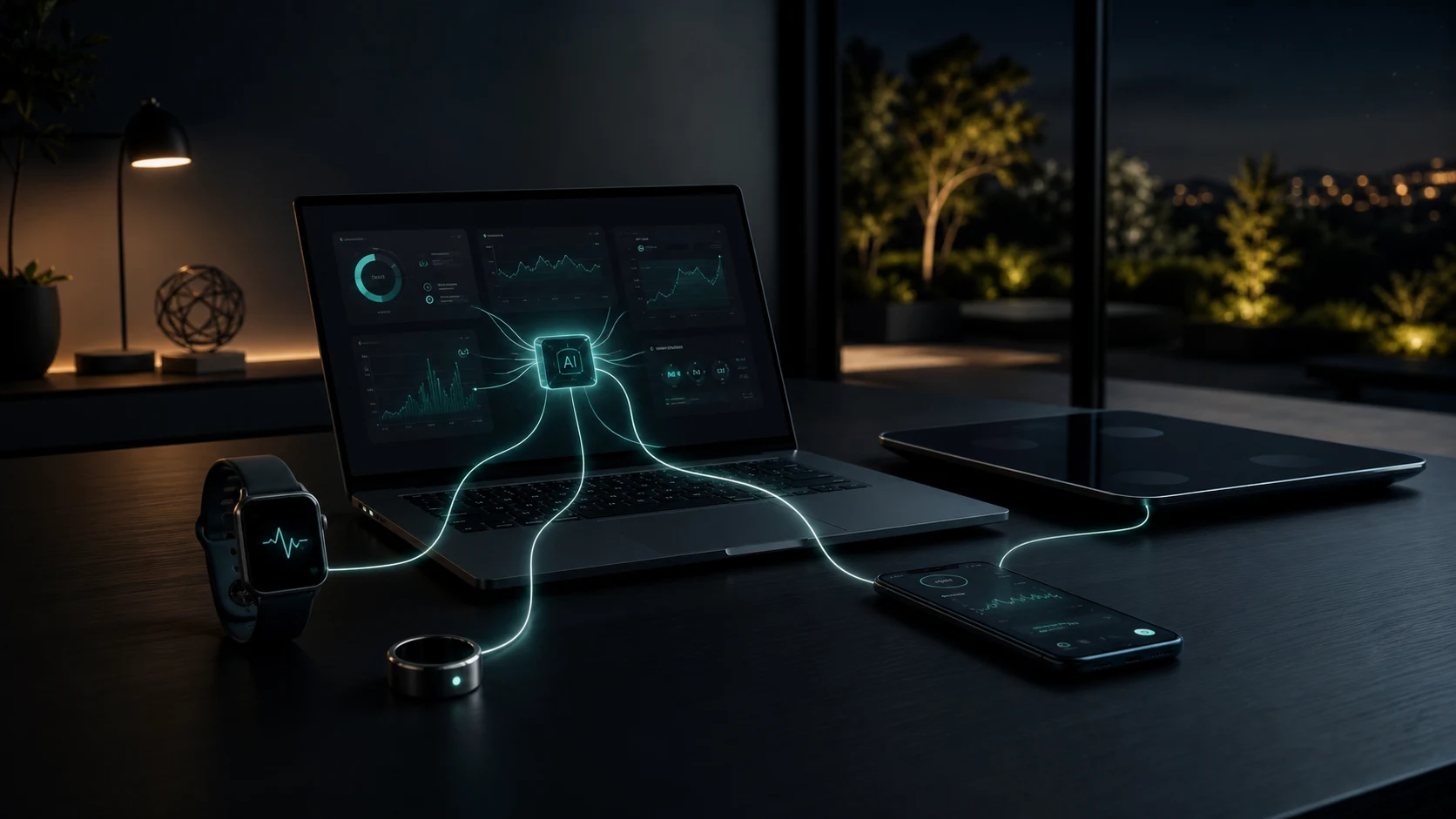
Local connector tokens stay in ~/.<provider>-mcp/ with chmod 600. Nothing leaves the machine unless the user explicitly chooses the hosted beta.
No upload scopes are requested. The MCP client never receives access or refresh tokens. Tools never echo secrets.
Every connector ships *_privacy_audit and *_connection_status tools so agents can verify posture without calling the upstream API.
summary / structured / raw — defaults are conservative. Raw upstream payloads and GPS coordinates are explicit opt-in.
FAQ
Everything you need to know before you wire your first connector.
Delx Wellness is an open-source, local-first MCP connector library and optional hosted beta. It gives AI agents structured, user-authorized context from wearables, health platforms, exports and nutrition tools.
Model Context Protocol is an open standard for connecting AI assistants to external tools and data. Any MCP-compatible client — Claude Desktop, Cursor, ChatGPT Desktop, Hermes, OpenClaw, custom agents — can use a connector that speaks MCP.
Use Delx Wellness for Hermes or Delx Wellness for OpenClaw if you want a daily wellness agent with onboarding included and you want all 10 wearable/API/export connectors plus Nourish ready in one command. Wire individual connectors if you only need one or two providers, prefer Claude Desktop / Cursor as your client, or want full control over the install. Both paths use the same underlying MCP packages.
Health data is sensitive, and local connectors minimize the secrets stored by a third party. Every open-source connector runs on your machine and stores tokens with chmod 600. The separate hosted beta is opt-in for people who prefer account-based access, remote MCP and setup help.
Yes — and they coexist cleanly. The fastest path is npx -y delx-wellness-hermes setup or npx -y delx-wellness-openclaw setup, depending on your runtime. For Claude Desktop or Cursor, paste the multi-server JSON snippet from the homepage Quick start. When two providers cover the same signal, each tool returns provider-tagged data so your agent can reconcile them sensibly.
No — every connector is unofficial and not affiliated with the device makers. They use public APIs where available. Garmin uses your own Garmin Connect login locally, Apple Health reads a manual export.zip instead of live HealthKit, Samsung Health reads a local CSV/ZIP personal-data export instead of live Health Connect, and Google Health uses Google Health API v4 through your own Google Cloud OAuth client. Google describes that platform as actively evolving, so check its current migration and scope guidance before production changes.
No. These connectors expose user-authorized data for personal AI workflows. They are not medical devices and do not provide diagnosis, treatment or emergency monitoring. Always consult a qualified professional for medical concerns.
Yes. The connector quality standard documents the bar for registry_ready and agent_ready connectors. Open an issue or PR on the delx-wellness repo with the provider you want to add and the data you'd expose.
14 open-source connectors, Nourish and profile packs for Hermes and OpenClaw. The hosted beta has live accounts, remote MCP and hosted wearable OAuth. Checkout is not live yet.