samsung-health-mcp-unofficial
Samsung Health MCP server for AI agents
The Samsung Health MCP server parses local personal-data downloads so MCP clients can summarize Galaxy Watch activity, sleep, heart, HRV, body and workout records.
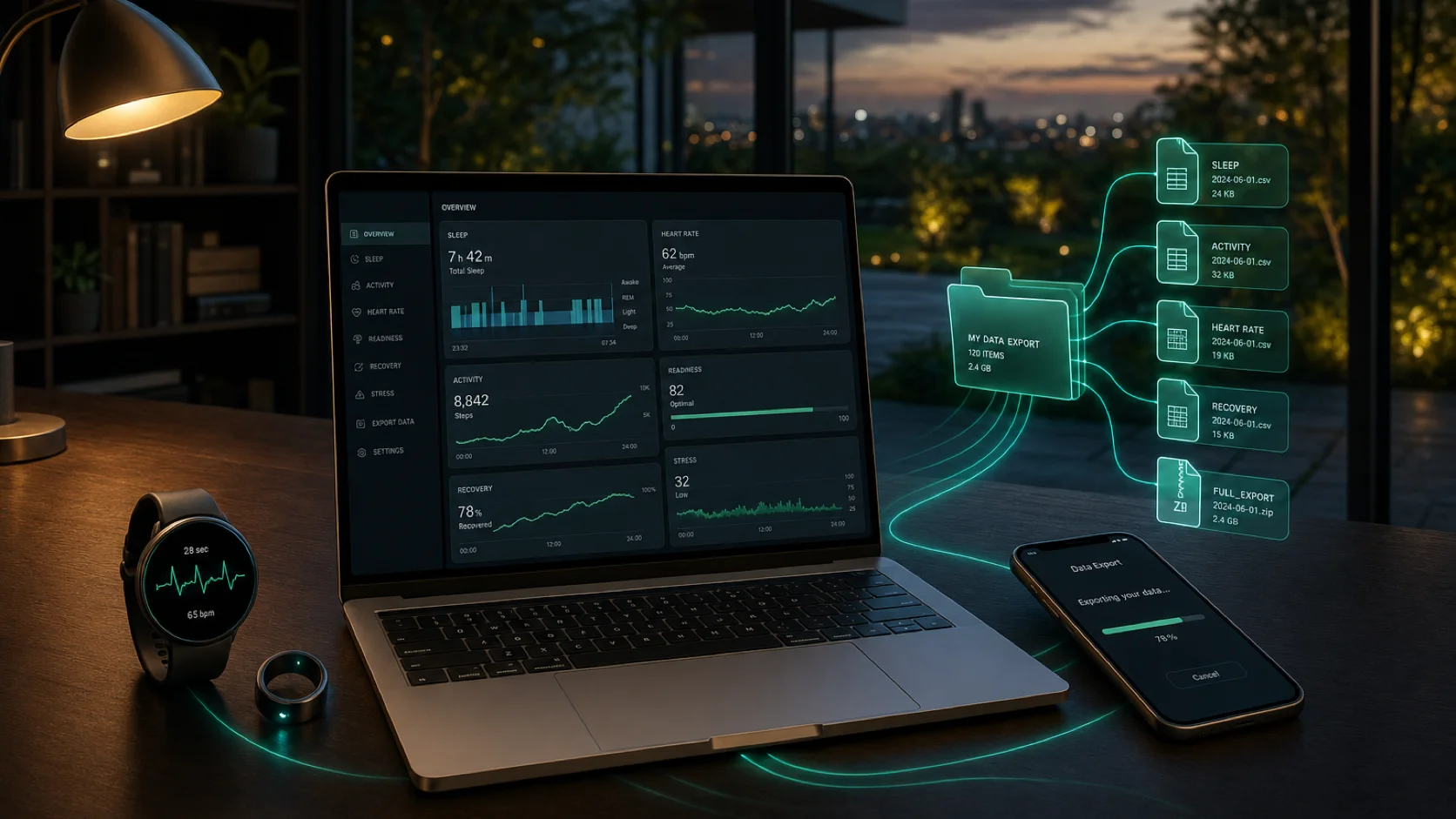
Best for Galaxy Watch users who want a local Samsung Health MCP connector in an agent without handing over a Samsung account or waiting for an Android bridge.
MCP server answers
The Samsung Health MCP server for AI agents is a local-first Node.js connector provided by samsung-health-mcp-unofficial. It reads a user-controlled Samsung Health CSV, folder or ZIP export from Galaxy Watch and Android, then exposes bounded activity, sleep, heart, HRV, body and workout context to Claude, Cursor and other MCP-compatible clients. It does not request a Samsung account credential, read live Health Connect data or act as a Samsung Health Data SDK bridge, and Delx does not host a copy of the export.
Compare this connector with the other wellness pathsSet up the local export MCP and understand the Android SDK boundaryWhat is the Samsung Health MCP server?
The Samsung Health MCP server for AI agents is a local-first Node.js connector provided by samsung-health-mcp-unofficial. It reads a user-controlled Samsung Health CSV, folder or ZIP export from Galaxy Watch and Android, then exposes bounded activity, sleep, heart, HRV, body and workout context to Claude, Cursor and other MCP-compatible clients. It does not request a Samsung account credential, read live Health Connect data or act as a Samsung Health Data SDK bridge, and Delx does not host a copy of the export.
How do I install Samsung Health MCP?
Run npx -y samsung-health-mcp-unofficial setup --export-path /path/to/SamsungHealth, then npx -y samsung-health-mcp-unofficial doctor. The Quick Start section below contains the client configuration and provider-specific setup.
What can an agent read from Samsung Health?
The available records start with Steps and activity, Heart rate, resting heart rate and HRV, Sleep and sleep stages, Workouts and exercise records. Check Data Availability for scope, device and export limitations before using any result.
Quick Start
npx -y samsung-health-mcp-unofficial setup --export-path /path/to/SamsungHealth
npx -y samsung-health-mcp-unofficial doctor{
"mcpServers": {
"samsung_health": {
"command": "npx",
"args": ["-y", "samsung-health-mcp-unofficial"]
}
}
}- 01
Open Samsung Health on Android and use More options -> Settings -> Download personal data.
- 02
Transfer the downloaded Samsung Health folder or zip to the machine running the agent.
- 03
Run setup with --export-path and then doctor.
Data Availability
Steps and activity
Parsed from Samsung Health CSV filenames and headers.
Heart rate, resting heart rate and HRV
When exported by the device/account.
Sleep and sleep stages
When Galaxy Watch sleep records are present.
Workouts and exercise records
Duration, distance, calories and activity type when exported.
Body metrics
Weight and body-fat records when logged or synced.
Live Health Connect or Samsung Health Data SDK reads
Planned as a separate Android bridge, not this Node MCP.
Agent Tools
Profile and onboarding
- samsung_health_profile_get
- samsung_health_profile_update
- samsung_health_onboarding
Start here
- samsung_health_connection_status
- samsung_health_data_inventory
- samsung_health_daily_summary
- samsung_health_weekly_summary
Diagnostics
- samsung_health_capabilities
- samsung_health_agent_manifest
- samsung_health_privacy_audit
Records
- samsung_health_list_records
- samsung_health_list_workouts
Prompts and Resources
Prompts
- samsung_health_daily_review
- samsung_health_weekly_review
Resources
- samsung-health://capabilities
- samsung-health://agent-manifest
- samsung-health://summary/daily
- samsung-health://summary/weekly